
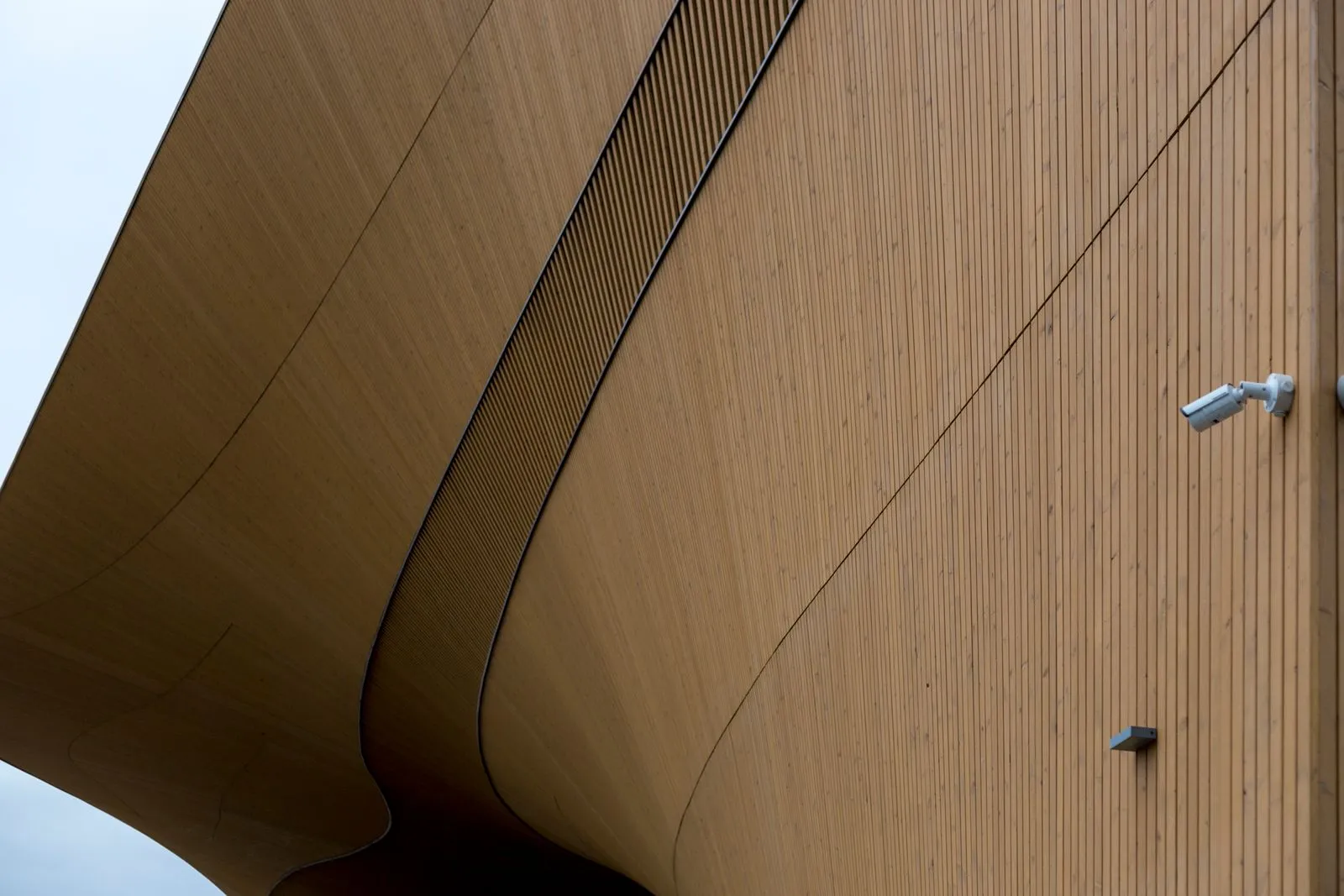
A useful camera system starts with a map, not a product list. Sketch your business layout and mark where people enter, handle transactions, store valuable items, and move through outdoor areas. Then decide what each camera needs to show. This simple planning step can reveal blind spots, prevent overlapping views, and help you choose camera locations that support everyday operations without recording more than necessary.
Map entrances and exits
Draw a basic floor plan and mark every public entrance, employee door, loading area, and emergency exit. Note which doors stay open during business hours and where visitors approach before entering. For each camera, consider whether it should capture a clear view of someone approaching, entering, or leaving. A camera aimed only at the top of a doorway may show movement but miss useful details.
Check the view from a person’s eye level and account for doors, signs, display racks, and seasonal decorations that could block the image. Avoid pointing cameras directly toward bright windows or outdoor lights, which can make faces and other details hard to see. Keep required exit paths clear, and position equipment so it does not interfere with doors, accessibility, or customer flow.
Cover work and transaction areas
Mark service counters, checkout stations, workbenches, inventory storage, and other areas where important tasks happen. Decide what you need to verify: activity at a register, access to a storage room, or movement across a work area. That purpose affects camera angle and placement. A wide view can show the sequence of events, while a closer view may be needed to distinguish actions at a specific station.
Plan coverage around the work, not just the room. Shelving, equipment, and staff positions can create blind spots even when a camera appears to cover the full area. Test likely angles from the camera’s planned mounting point, including views when the space is busy. Limit recording to areas relevant to business security, and avoid capturing private spaces such as restrooms or changing areas.
Include outdoor spaces
Add parking areas, walkways, delivery points, gates, and exterior storage to your map. Identify where people or vehicles approach the building and which routes matter most for safety or property protection. Consider how rain, glare, shadows, and nighttime lighting affect visibility in Jacksonville’s changing outdoor conditions. A daytime view may not provide the same useful image after dark.
Choose mounting points that protect cameras from tampering and keep their view clear of trees, awnings, and signs. Check that the camera can cover the intended area without unnecessarily filming neighboring homes, windows, or public spaces. If a view includes areas beyond your property, adjust the angle or privacy settings where available, and confirm that your placement follows applicable rules.
Review the map before buying
Mark each proposed camera on the plan, draw its approximate field of view, and label the purpose of that view. Look for gaps between overlapping areas, blocked lines of sight, and locations where one camera would need to cover too much. Prioritize entrances and higher-risk areas first, then add coverage for secondary spaces as your needs and budget allow.
Walk the premises and compare the real view with your sketch before finalizing installation. Confirm mounting access, power and network options, lighting, and whether staff can maintain the equipment. A professional installer can help verify angles and identify practical constraints. River City Camera serves Jacksonville businesses and can help turn a coverage map into an installation plan.
A clear coverage map helps you choose camera locations based on what your business needs to see, rather than guesswork. Start with entrances, work areas, and outdoor routes, then check every proposed view for obstructions and privacy concerns. If you want help reviewing your plan, contact a local security camera installer.